phishing
Russian Spies Keep Phishing Signal and WhatsApp Accounts
2026-06-27
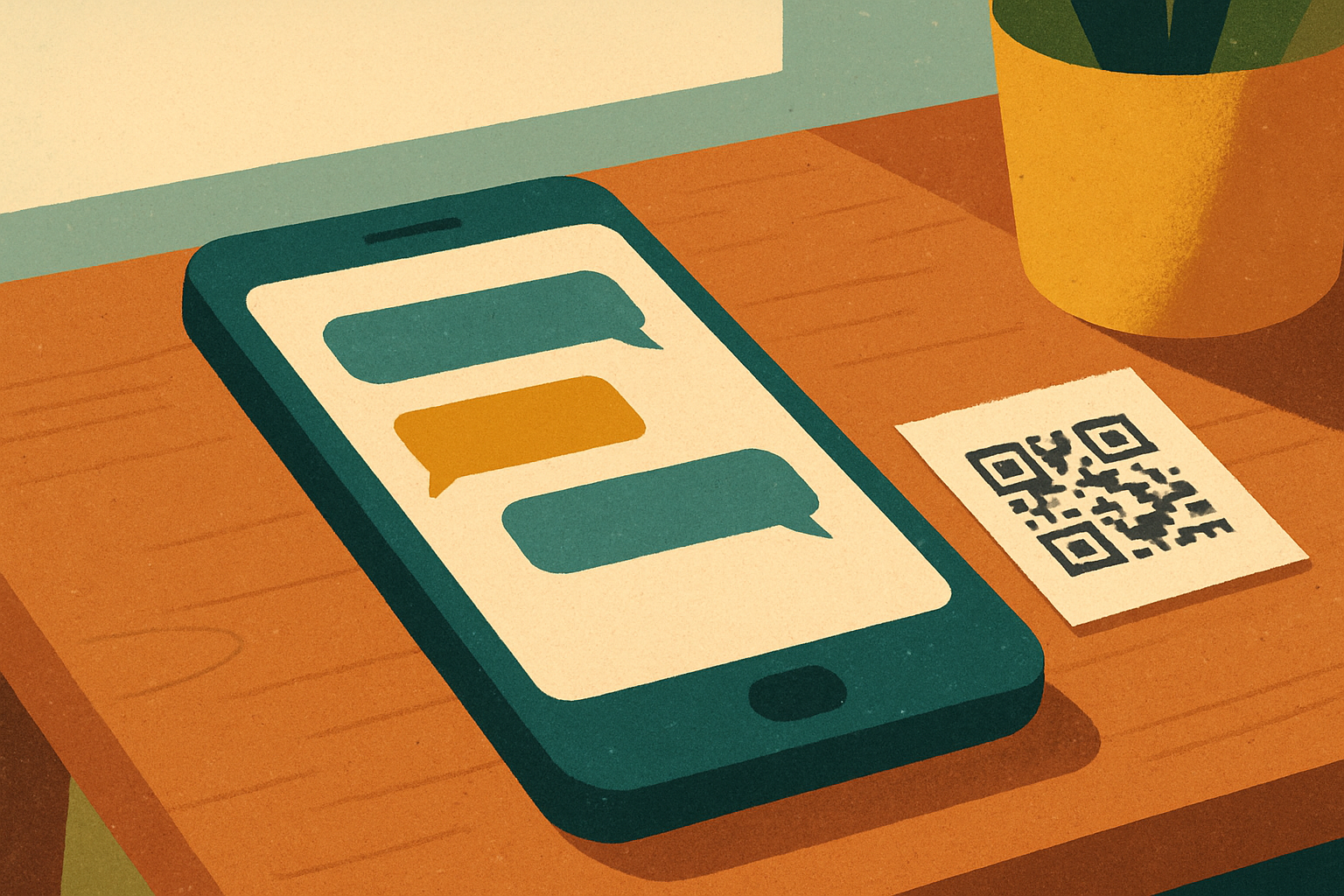
CISA and the FBI have updated an earlier advisory about Russian intelligence services phishing their way into users' accounts on commercial messaging apps like Signal, WhatsApp and Telegram. The refresh builds on the original March 2026 warning, adding new tactics, sample lures and mitigation advice.
The target list is exactly who you'd expect: journalists, government officials, activists, NGO staff, and anyone whose contacts might be of interest to Moscow. The methods are equally familiar. Fake device-linking QR codes. Bogus group invites. Login pages dressed up to look like the genuine article. Once an account is linked to an attacker-controlled device, conversations quietly mirror out in the background while the victim carries on chatting, none the wiser.
Nothing exotic, and that's the point
The interesting thing about this campaign is how ordinary it looks. There is no zero-day. No clever exploit chain. No breakthrough against Signal's encryption, which remains entirely intact. What's being exploited is the person holding the phone: a QR code arriving in an email at a plausible moment, a message from a contact whose account has already been compromised, a verification prompt that lands while you're distracted.
That's the part worth sitting with. The most sophisticated state-backed intelligence service in this space isn't bothering with novel cryptographic attacks. They're sending QR codes and waiting for someone to scan one. Because that works.
What CISA actually recommends
The advice in the refreshed advisory is sensible and, mercifully, free of jargon:
- Audit linked devices regularly. Every major messaging app lets you see which devices are connected to your account. Look at the list. If anything is unfamiliar, kick it.
- Be suspicious of QR codes you didn't ask for. Especially ones arriving by email, DM or from contacts whose accounts could plausibly have been compromised.
- Turn on every authentication option the app offers. PINs, biometric locks, registration locks. Use them.
- Treat unexpected verification prompts as hostile by default. If you didn't initiate a login, somebody else did.
None of this is dramatic. None of it requires a budget. It's the kind of five-minute hygiene check that gets put off because it feels like it can wait. The Russians are betting that, for most people, it can.
If you haven't looked at the linked-devices screen in your messaging apps recently, this week is a fine week to do it. You may find nothing. Or you may find something quietly listening that shouldn't be there. Both outcomes are useful.